
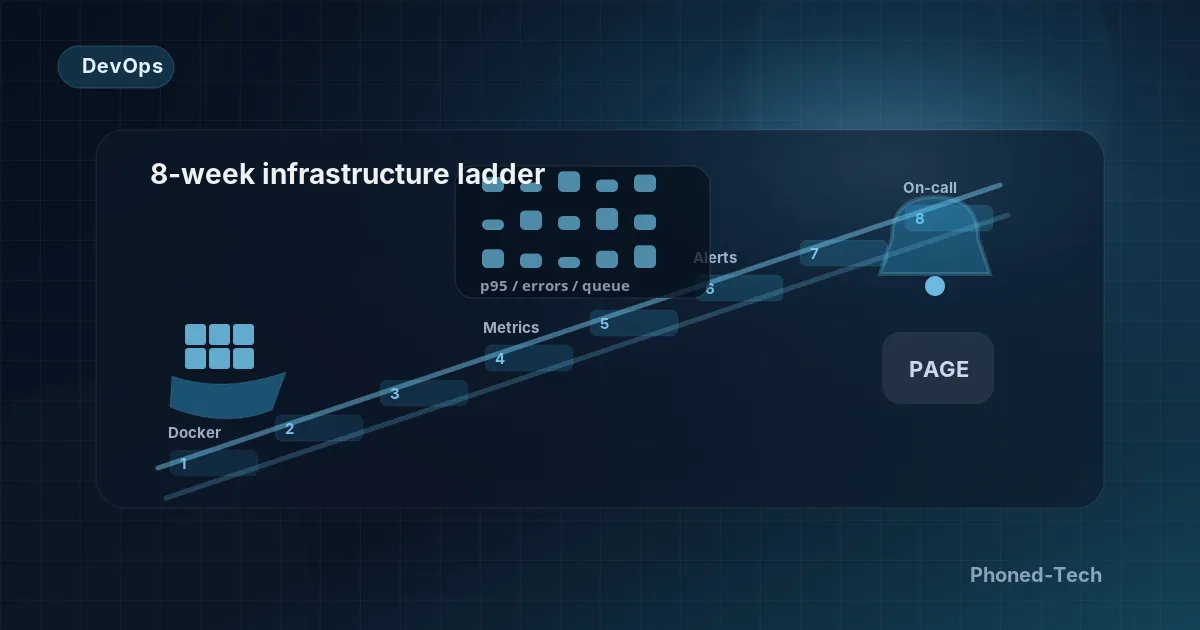
Your website, app or online system is live, and customers use it every day. But every update feels like a gamble. And the person who looks after it hasn’t had a quiet night in months. Many growing businesses reach this point. You know you need DevOps (the setup and habits that keep your software running, up to date and safely backed up). But it’s hard to tell what good looks like. And some advisers will try to sell you a big, complicated setup built for companies many times your size.
We don’t do that. We think of it as a ladder. We tell you which step you’re on, and we help you climb one step at a time. Here is our eight-week plan, in plain words.
Week 1: write down how your system works
Before we change anything, we package your system so it runs the same way on any server. To do that, we have to write down exactly what it needs to run. Often, this shows that nobody on the team could rebuild it from scratch. That’s a risk you want to know about.
In week one we also write the first instruction guide. It’s three pages long: how to put an update live, how to undo it, and how to check what the system has been doing. If a junior engineer can’t follow it at the end of a long week, it isn’t finished.
Weeks 2–3: make updates safe and boring
The goal here isn’t anything fancy. It’s that every approved change reaches your live system quickly. Each one is checked, labeled and easy to undo.
Each change goes first to a practice copy of your system that customers never see. Quick automatic checks run there. Then a person approves it before it goes live.
That human approval stays for the first month. Later, updates can go live on their own. That happens once the checks have caught their first real problem and your team has learned to trust them.
Weeks 4–5: see what’s happening before you grow
This is where most teams get it wrong. They grow first. Then, when something breaks, they have no information to work out why.
So we set up monitoring first. That means a clear record of what the system does, how fast it responds and every error it hits. Which tool we use matters less than the habit of recording these things, every time.
The first dashboard is one screen with six simple gauges:
- How many requests come in (think page views and clicks)
- How many of them fail
- How long the slowest ones take
- How busy your data storage is
- How much work is waiting in line
- How hard each server is working
If something is wrong, the answer is on that one screen.
Week 6: alerts that only ring when it matters
Most teams have too many alerts. Often the person in charge has muted them, because most of them are false alarms. So we delete the false alarms.
What’s left is a short list. Each alert is about something your customers would actually feel: errors rising faster than normal, work piling up and not getting done, or an update that failed and had to be undone. Each alert points to the right page of the instruction guide. And each page ends the same way: if this doesn’t fix it, call the person on duty.
The duty schedule starts with two people, who take turns one week at a time. At each changeover they pass on a short note: what’s broken right now, what’s unreliable, and what changed last week. We never start a duty schedule without that note.
Week 7: backups you have actually tested
A backup you’ve never restored is a hope, not a backup. So your backups must exist, must be restored at least once, and must pass a practice recovery before you count on them. We run that practice in week seven, on a recent copy of your real data, with a stopwatch. The first one almost always takes much longer than anyone expected. It’s far better to learn that on a quiet day than in a real emergency.
Passwords and access keys also move out of loose files and into a proper digital safe. The test is simple. Can a new engineer start work without someone sending them a password in a chat message? If not, the system isn’t safe.
Week 8: put it in writing and hand it over
The last week is about writing things down. Every important choice gets a one-page note that explains what was decided and why. Every instruction guide is checked by someone who didn’t write it. The duty schedule lives in a proper scheduling tool. And your team can explain, out loud, what to do for each of the five problems most likely to happen.
What you end up with
- Looking after the system takes far less of your team’s time.
- Updates are routine, and any one of them can be undone.
- When something is wrong, the answer is on one screen.
- Your backups are proven to work, and you know how long a restore takes.
- A new team member gets started quickly, from written guides.
- The person responsible for your system finally sleeps.
- Nobody sold you a complicated setup you don’t need.
What drives the running costs
Servers and hosting are a monthly bill that grows with your system. The size of the bill depends on how many visitors you have and how much data you store. Monitoring tools add a smaller monthly fee on top. They cost less if your team runs them on its own servers.
Our part is about eight weeks of work by senior engineers. Then we stay close for one more month, while your team runs its first duty schedule. After that, it’s yours. The point of the ladder isn’t to keep us busy forever. It’s to give you something you can run yourself.
There’s no public price list for this work. It starts with a free 30-minute call. Then you get a plan and a price quote in writing, before any work starts.
Questions worth asking about your own system
You don’t need to be technical to check where you stand. Ask whoever looks after your system:
- If an update goes wrong, can you undo it in one step?
- When did we last restore a backup, and how long did it take?
- Who gets the call if the system breaks at night, and what instructions do they follow?
- Is there one screen that shows whether everything is healthy right now?
- Could a new engineer start work without anyone sending them passwords in a chat?
If some of the answers are “not sure”, that’s normal. It just tells you which step of the ladder you’re on.
Want to know where your system stands? Book a free 30-minute call and tell us about it. We’ll listen and send you a short written summary, even if you don’t hire us. You can also read more about our DevOps and cloud services.